WooCommerce split payment at the counter: part cash, part card on one order
A WooCommerce order stores one payment method, not two. What that costs at the till, the three workarounds, and how to record part cash, part card.
Updated
In this article18 sections
“Forty in cash, and the rest on the card.” It is one of the most ordinary sentences anybody says at a shop counter, and it is the one sentence a WooCommerce order has no field for. The basket is right, the total is right, the customer has the money in two forms, and the software wants a single answer to a single question: how was this paid?
This post explains why WooCommerce is built that way, what the assumption costs at a till, and the three things shops do about it — with the price of each stated rather than hinted at. Then, briefly and at the end, where our own plugin sits: the free version settles a sale with exactly one payment method covering the full total, and several tenders on one sale is a paid capability. If you are still working out whether to run a counter inside WooCommerce at all, does WooCommerce have a built-in point of sale is the wider picture.
Why WooCommerce assumes one payment settles one order#
Look at what an order stores. It has a payment method — the identifier of the gateway that handled it — and a payment-method title, the human string printed next to the total in your orders list. It has one transaction ID. It has one date paid. There is a place for the answer to “how was this paid”, and that place holds one value.
That is not an oversight, and it is worth understanding before going looking for a way round it. WooCommerce’s payment model is a conversation with one gateway: checkout hands the order over, the gateway comes back with success or failure and a reference, and everything downstream depends on that being unambiguous — including the refund, which core offers back through the gateway that took the money where that gateway supports refunds, and as a manual refund where it does not. Two payments would mean two references, two settlement reports, two possible partial failures and a refund with a question attached: back through which one?
Online the assumption is simply true. A customer at a checkout has one instrument in their hand; nobody paying for a jumper on your website types in a card for half of it and posts you a cheque for the rest. The model matches the transaction, which is the definition of a good model — until you take it out of the browser and stand it behind a counter.
What that assumption costs at a counter#
In a shop the mix is normal. A customer wants rid of the coins in their pocket. They have birthday money in notes and a card for the difference. Their bank has a contactless limit and the basket is over it. Two friends are splitting one purchase. None of this is exotic; it is a Tuesday.
The cost is not in the sale — that goes through fine, because the customer hands over the money whatever your software thinks. It lands at close of day, when two independent numbers have to agree with your records: what is physically in the drawer, and what your card terminal or bank says it settled. Those two are the only outside audit your takings ever get.
Record a mixed sale as one method and you have made both of them wrong at once, by the same amount, in opposite directions. Do it four times in a week and the cash count is out by an amount nobody can explain, which is corrosive in a way the money itself is not: staff stop trusting the count, and a count nobody trusts stops catching real errors. The symptom is distinctive — one tender out, the other out by the same amount, and the grand total perfectly correct — and it sits on the list in why your WooCommerce sales report doesn’t match what’s in the till alongside the four other reasons a day’s takings and a report disagree.
The three workarounds shops actually use#
With WooCommerce core alone there are exactly three, and every shop with a counter has picked one, usually without discussing it: split the basket into two orders; record one tender and carry the difference on paper; or refuse the split and take the whole amount on one instrument. Each is defensible somewhere. Each has a price, and the price is paid later.
Workaround one: two orders#
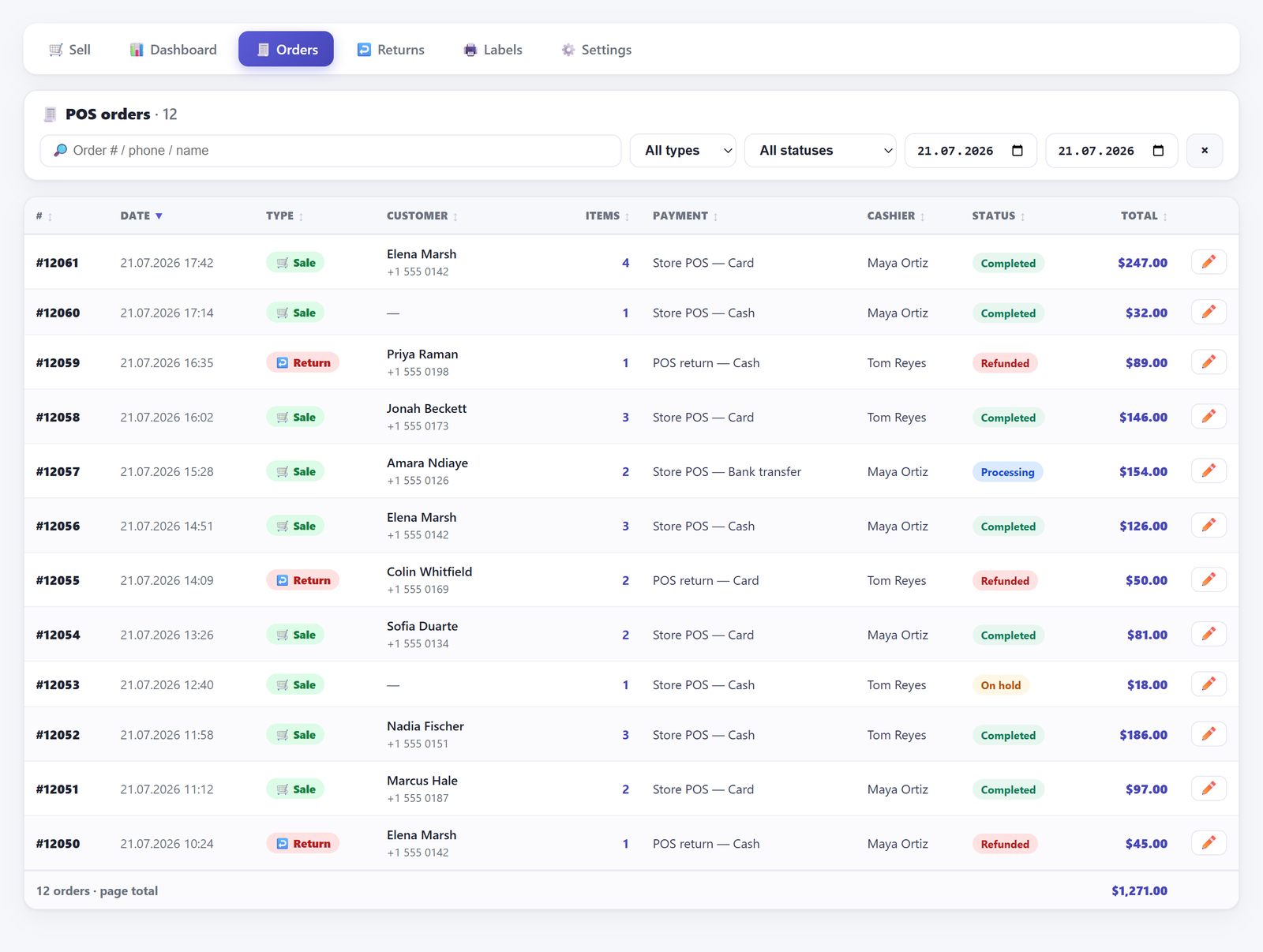
The obvious move. Ring up part of the basket, take the cash, then ring up the rest and take the card. Two orders, two payment methods, and every number in WooCommerce is technically true.
Here is what it costs.
- It only works when the basket divides at the right place. A customer paying £40 cash and £26 on the card for a £66 basket is not describing a split of the goods. If the jumper is £60 and the socks are £6, there is no way to cut that into a £40 order and a £26 order without splitting one item across two orders, which you cannot do, or fiddling the line prices, which you must not.
- The customer gets two receipts for one purchase. Which they then have to keep together for a return, and will not.
- Returns get harder in a specific way. Three weeks later they bring back the jumper with one of the two receipts, and the order it points at may not be the one holding the jumper. Manageable — see taking a return without a receipt and putting the stock back — but a problem you created at the point of sale.
- Every per-order statistic quietly doubles. Order count, average basket, items per transaction. If you make any decision from your average basket size, splitting mixed payments in two drags it down by exactly as much as you split.
Stock and money, at least, stay right: two orders holding the goods once between them reduce stock once and total to the same amount. That is the reason this workaround survives — it is the only one of the three that leaves the ledger correct. Everything it costs, it costs in shape rather than in arithmetic.
Use this one when the basket genuinely divides: two customers paying for their own items, or a business purchase and a personal one going through together. Those are not split tenders at all. They are two sales that happened to queue as one, and two orders is the correct record of them.
Workaround two: record one tender, and write the rest down#
The fastest thing at the counter, and by a distance the most expensive afterwards. Pick a method — usually whichever covered the larger share — mark the whole sale under it, and note the real split somewhere. The queue moves and nothing is blocked.
What you have taken on is reconciliation debt. The order says one thing and the world says another, and the difference exists only in whatever you wrote down. Notes on paper get lost; notes in a member of staff’s memory get lost by the end of the shift. Even a note written properly against the order has a flaw: an order note appears in no total anywhere, so nothing will remind you at cash-up that it exists. You have to go looking, and you only know to go looking once you know something is wrong.
If this is your workaround — and for a shop that sees a mixed payment twice a month it is a reasonable one — make it deliberate rather than accidental:
- Pick one direction and keep it. Always record the whole sale under the method that took the larger share, every time, by everyone. Consistency will not make the numbers right, but it makes the error predictable, and a predictable error is one you can chase.
- Write the note on the order, not on paper. “£40 cash, £26 card” against the order number survives the shift, the staff member and the notebook. Our till has a note field on the sale screen that writes exactly that onto the order.
- Decide at what value it stops being acceptable. Ten pounds of drift a week is noise. Two hundred is a problem you should not be solving with a notebook.
Workaround three: take the whole amount on one instrument#
The one nobody lists, because it sounds like giving up. It is not: it is a policy, and for a lot of small shops it is the right one. When a customer offers a split, you say the till takes one method per sale and ask which they would prefer.
The cost is real but small, and social rather than financial: a handful of slightly awkward moments a month, and the occasional customer who genuinely cannot cover the total one way. The benefit is that every record you keep is true, with no note, no second order and nothing to reconstruct later. On a single till, doing your own books, seeing a mixed payment now and then rather than hourly, this beats both of the others.
One thing not to do, in any shop, on any system: take the whole amount on the card and hand the customer cash back out of the drawer to balance it. That is not a workaround, it is a cash advance on somebody’s card, it breaches most merchant agreements, and it makes the drawer count worse rather than better.
What a split tender has to record to be worth anything#
If you are evaluating any solution to this — ours, somebody else’s, or something you are considering building — this is the specification to hold it to. A split payment is not a label. Writing “Cash + Card” into an order’s payment title looks like a solution and solves nothing, because you cannot add up a string. At close of day the question is never “was this a split”, it is “how much cash”. A tender record has to carry five things:
- The amount, as a number, per part.
- The method, as an identifier that can be grouped, not free text a cashier typed.
- The order it belongs to, so a refund or a cancellation can find it again.
- Who took it, because a drawer discrepancy is a question about a person as much as a number.
- When, in the shop’s own timezone, because the day boundary decides which day’s takings it lands in.
Get those five and everything downstream works: the cash figure counts cash parts rather than whole orders, and the payment breakdown stops being a lie of omission. Miss the amount and you have a note. Miss the method as an identifier and you have a search problem for ever.
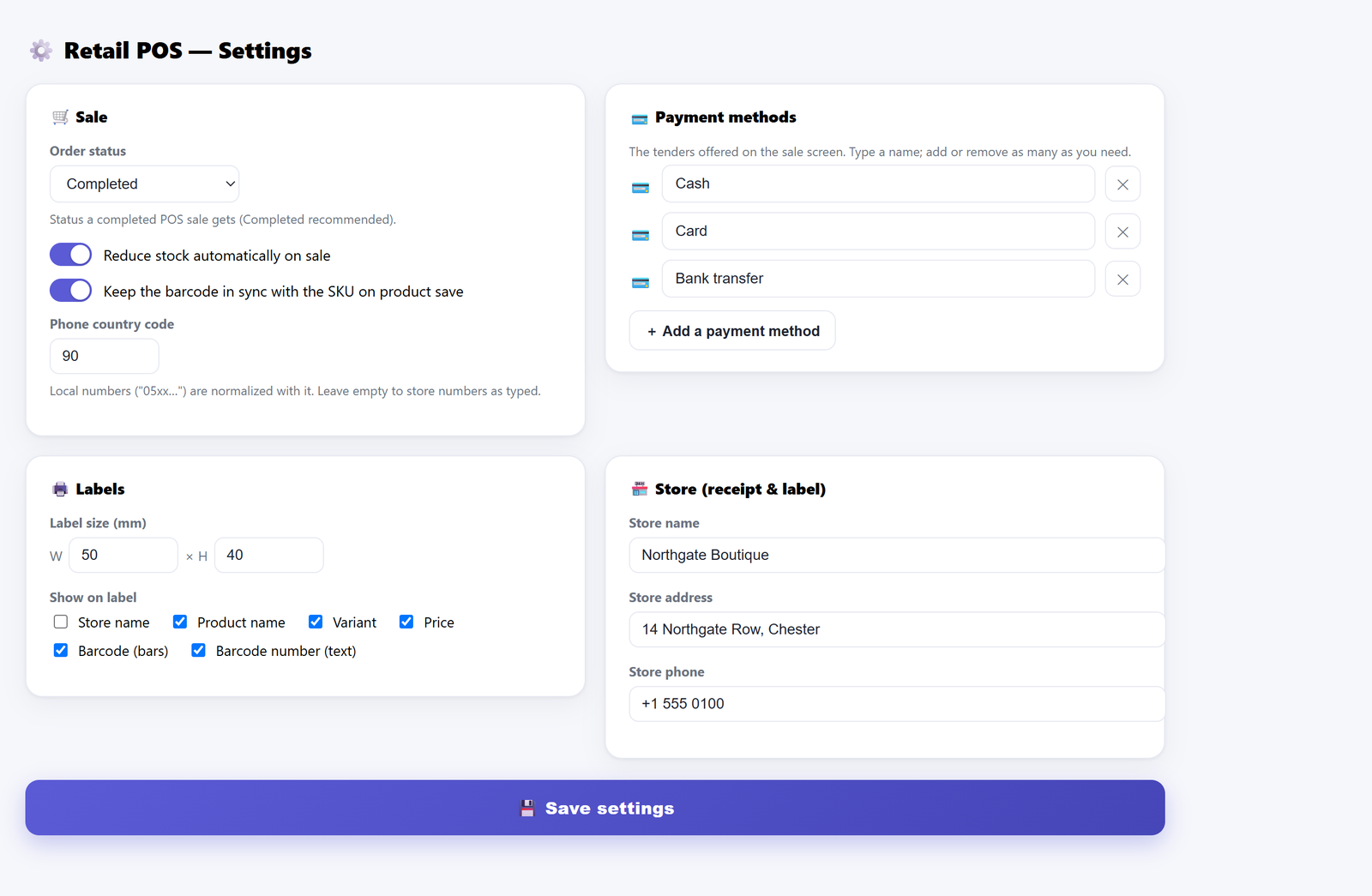
That distinction matters for the whole of this post. Nothing described here charges a card. The tenders are names for how money arrived, and you can rename them or add your own: a voucher scheme, a delivery partner’s account, a second card machine you want counted separately. What the software owes you is an honest record of which one took how much.
Where the line sits in our plugin#
The rest of this post is worth nothing if this bit is vague, so here it is plainly. The free version settles a sale with exactly one payment method, covering the full total. The payment buttons on the sale screen are single-select — pressing Card deselects Cash — and the server enforces the same rule independently: a sale arriving with anything other than exactly one known method is refused, and the method it accepts is recorded for the whole amount. There is no partial state, no remainder and no balance due anywhere in the free build. The receipt prints one payment line, the order carries one payment-method title, and the dashboard’s payment breakdown gives the full value of each sale to the single method that settled it.
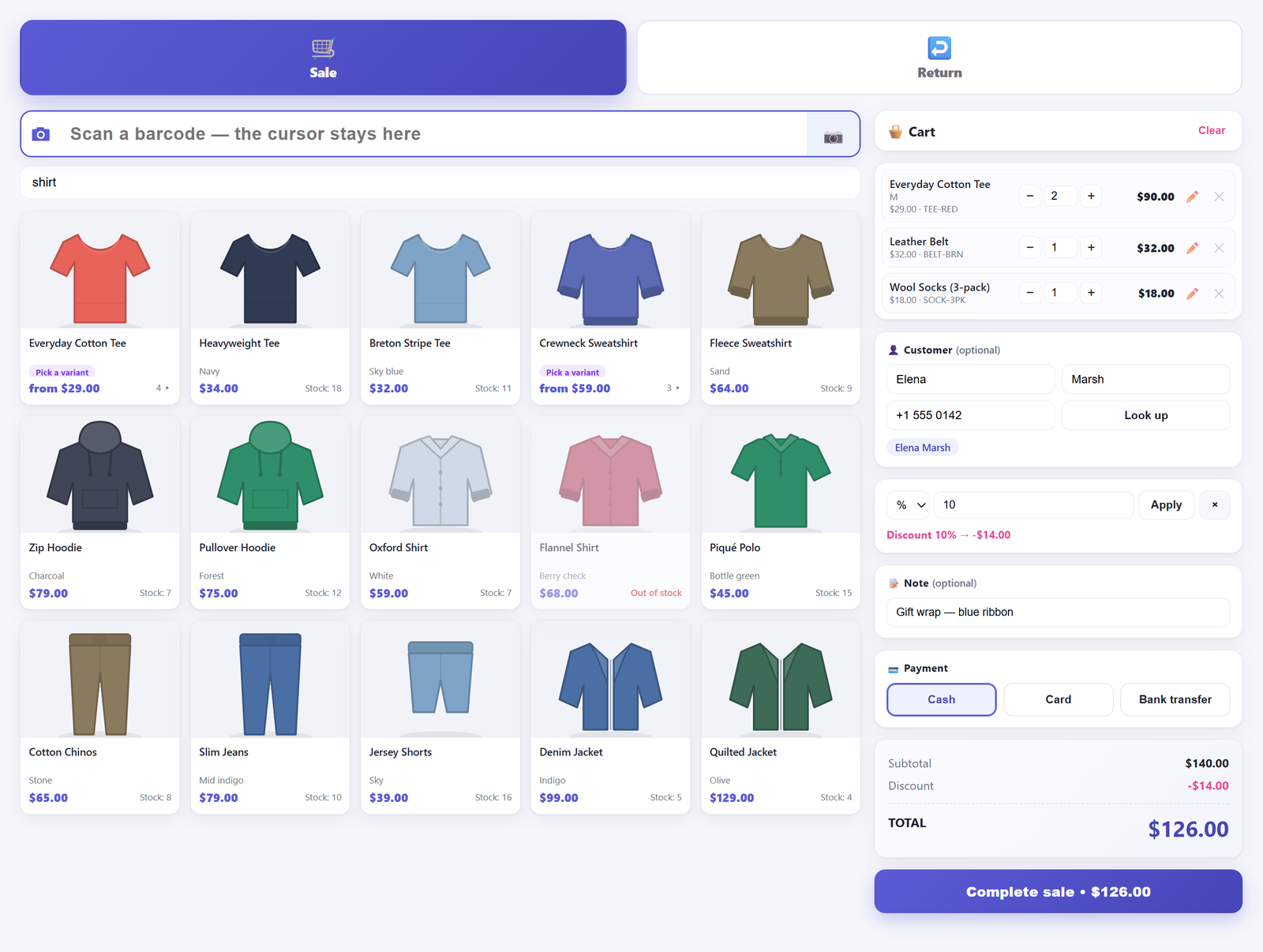
That total is the tax-inclusive amount, incidentally, whichever basis your shop displays prices in — a till has to quote what the customer actually pays. If a discount has been applied to the basket, the arithmetic behind that figure is the subject of why your discount comes out wrong on tax-inclusive prices, which matters here because the number a split has to add up to is the number after all of it.
Splitting one sale across several tenders is part of Retail POS Pro. In that version each part is stored as its own row carrying the five things listed above — amount, method, order, cashier and time — so the cash register counts cash tenders rather than whole orders, a half-cash sale contributes only its cash half to the expected drawer, and the order summarises as Cash + Card while the receipt itemises each part under the total. It is the same sale, one order, one document, one stock movement.
What it does not do, in either version: charge anything. You still take the card on your own terminal and press the button afterwards. And a return records exactly one refund method in free and in Pro alike — split tender applies to sales, not to refunds, so refunding a mixed sale means deciding which pocket the money comes out of and saying so.
The neighbouring case: they take the goods now and pay the rest next week#
This gets conflated with split payment constantly, and it is a different animal. A split payment means all the money is here, in more than one form. A partial payment means some of it is not here — which is credit, and credit has a debtor, a balance and someone who has to chase it.
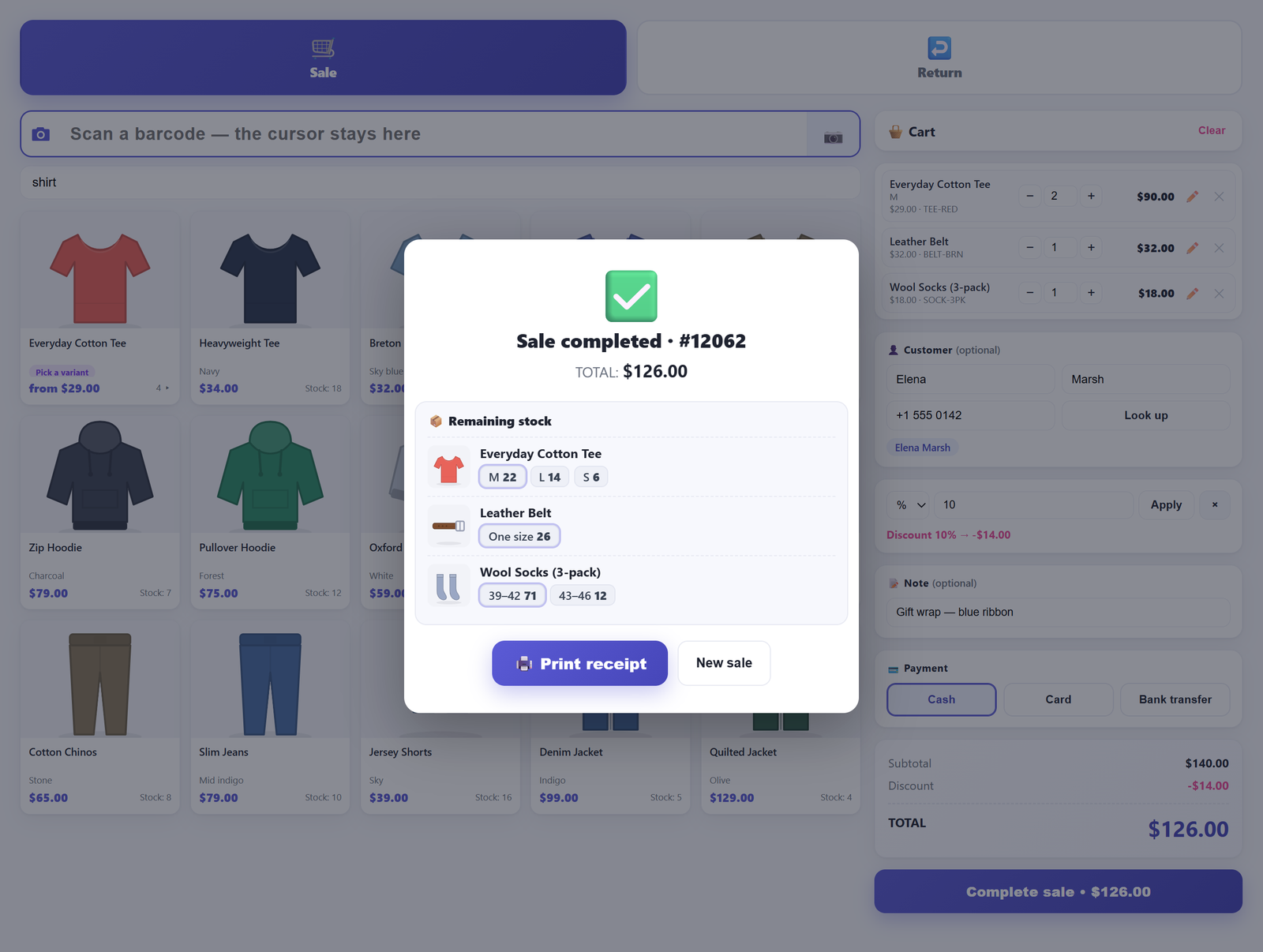
WooCommerce core has no partial-payment concept at all: an order is paid or it is not. With nothing but core, the honest workaround is an order rather than a till transaction. Create it in wp-admin, set it to On hold, and record the deposit as an order note. On hold is the deliberate choice — it reduces stock, which is correct because the goods have physically left the shelf, and it is one of the few statuses where the items panel stays editable. When the balance arrives you move it to Completed. Which statuses move stock, and why the default of Pending payment moves nothing, is in why your WooCommerce manual orders don’t reduce stock.
The weakness of that workaround is not the order, it is the chasing: nothing tells you on Friday which of these are outstanding, for how long, or what the total exposure is. Our own answer — leaving a remainder open against the customer, booking it to a credit ledger keyed on their phone number with a due date, and a debtor list you can look at — is a Pro feature, and I would rather say so than let it sit unmentioned next to a free capability. The free till cannot create a partly-paid sale, because it settles in full by design.
Choosing between a split tender and a customer account#
When both are available, the choice is not about convenience. Ask one question: is all the money here now? If yes, it is a split tender, however awkward the mix — two cards, cash and card, a voucher and the balance in coins. Record each part for what it is and the day’s figures stay true without anybody remembering anything.
If no, it is credit and must be recorded as credit. The temptation is to close the sale as fully paid and remember the rest, which converts a debt you could collect into a discount you did not intend to give. Recording money you have not received corrupts the takings for the day and removes the only trace of the fact that somebody owes you.
And with neither — free tier, core WooCommerce, one till — the workable policy is the third workaround plus a written rule: one method per sale, and no credit without an order on hold and a name against it. Less flexible than the shop next door, and also the version where the drawer count means something, which on the day it catches a real mistake is worth more than the flexibility.
Frequently asked questions#
Can WooCommerce accept two payment methods for a single order?#
Not in core. An order stores one payment method, one payment-method title and one transaction reference, and there is nowhere to put a second amount against a second instrument. Anything offering split tender is keeping its own records alongside the order and summarising them into that single field for display, which is what our Pro version does — a row per tender in its own table, with the order’s payment title reading as the combination.
Should I create two orders for a split payment?#
Only if the basket genuinely divides at the amount being paid. Two customers buying their own items, or a business purchase alongside a personal one, are two sales that happened to queue together, and two orders is the right record. A single basket cut at an arbitrary figure to satisfy the payment field is not: it produces two receipts for one purchase, complicates a later return, and drags every per-order statistic you have. Stock and money do stay correct, which is why it is the least bad of the core-only options.
How do I record part cash and part card at the counter?#
With core alone, choose the workaround and apply it consistently: two orders where the basket divides, or the whole sale under one method with the real split written into an order note. Whichever you pick, write the rule down and have everyone follow it, because inconsistency is what makes the end-of-day difference untraceable. In our free version a sale is settled with one method covering the full total, so the same choice applies; recording each part separately against one order is what the Pro version adds.
What happens to a split-paid order when the customer returns an item?#
Somebody has to decide which tender the money goes back out of, because no software knows whether the customer wants cash or a reversal on the card. In our plugin a return records exactly one refund method — in free and Pro alike — so you pick the one you are actually paying out with and the record says so. Nothing is sent to a payment processor either way; a counter refund is a payout you make with your hands and a document that proves it. The workflow, including a return with no order number at all, is in how to take a return without a receipt.
Is a partial payment the same thing as a split payment?#
No, and the difference is worth being pedantic about. A split payment is the full amount arriving in more than one form, all of it now. A partial payment is money that has not arrived yet — which is credit, and needs a balance, a customer it is attached to and someone chasing it. Treating the second as the first is how a debt turns into an unintended discount.
Does a split tender change how the receipt prints?#
In the free version there is nothing to change: one method settles the sale and one payment line prints. In Pro, when more than one tender settles a sale the receipt lists each part with its amount underneath the total, and any unpaid remainder prints as a balance due. The receipt is a narrow monospace page handed to the browser’s own print dialogue, in both versions — there is no printer driver and nothing reaches paper until somebody presses Print.
Where to go next#
Tenders are the counter detail most likely to be quietly wrong for months, because the total is always correct and only the split is not. The rest of the picture — the right line in the cart, the money on that line, and knowing at close what the day actually was — is in the pillar post on selling in person with WooCommerce. If the numbers are already disagreeing, why your sales report doesn’t match what’s in the till works through the five causes in the order worth checking, and why your discount comes out wrong on tax-inclusive prices explains the one that hides in the pennies.
Retail POS for WooCommerce is free on WordPress.org: a complete single-register till inside wp-admin, where a counter sale is an ordinary WooCommerce order, settled by one payment method of your own naming. The documentation covers each screen and setting. Splitting one sale across several tenders, leaving a remainder on a customer’s account and the cash register that counts those tenders at close of day are part of Retail POS Pro.